LogRaker Press Kit
Writing about LogRaker? Everything you need is on this page: the facts, descriptions to copy, screenshots and the app icon. Use any of it, no need to ask.
Fact sheet
| App | LogRaker, a native Mac app for reading and monitoring logs, live |
|---|---|
| Made by | Thomas Gumz, an independent developer (about me) |
| First release | June 18, 2026 |
| Current version | Version 3.6 (build 205) · Released November 26, 2026 |
| Requires | macOS 15 (Sequoia) or later, Apple silicon and Intel. LogRaker for Apple TV: tvOS 18 or later. |
| Price | Free to try: every feature for 14 days, after that it keeps running with a watermark. LogRaker Pro is $29.99 a year or $99.99 once, for up to 3 Macs. The Apple TV app is free. (US prices; the App Store's vary by country.) |
| Get it | lograker.app/download or the Mac App Store |
| Language | English |
| More | All features · Documentation · Release notes · Blog |
Descriptions to copy
In one line
LogRaker is a native Mac app that tails your logs live, from your servers, your Mac and the cloud.
In a paragraph
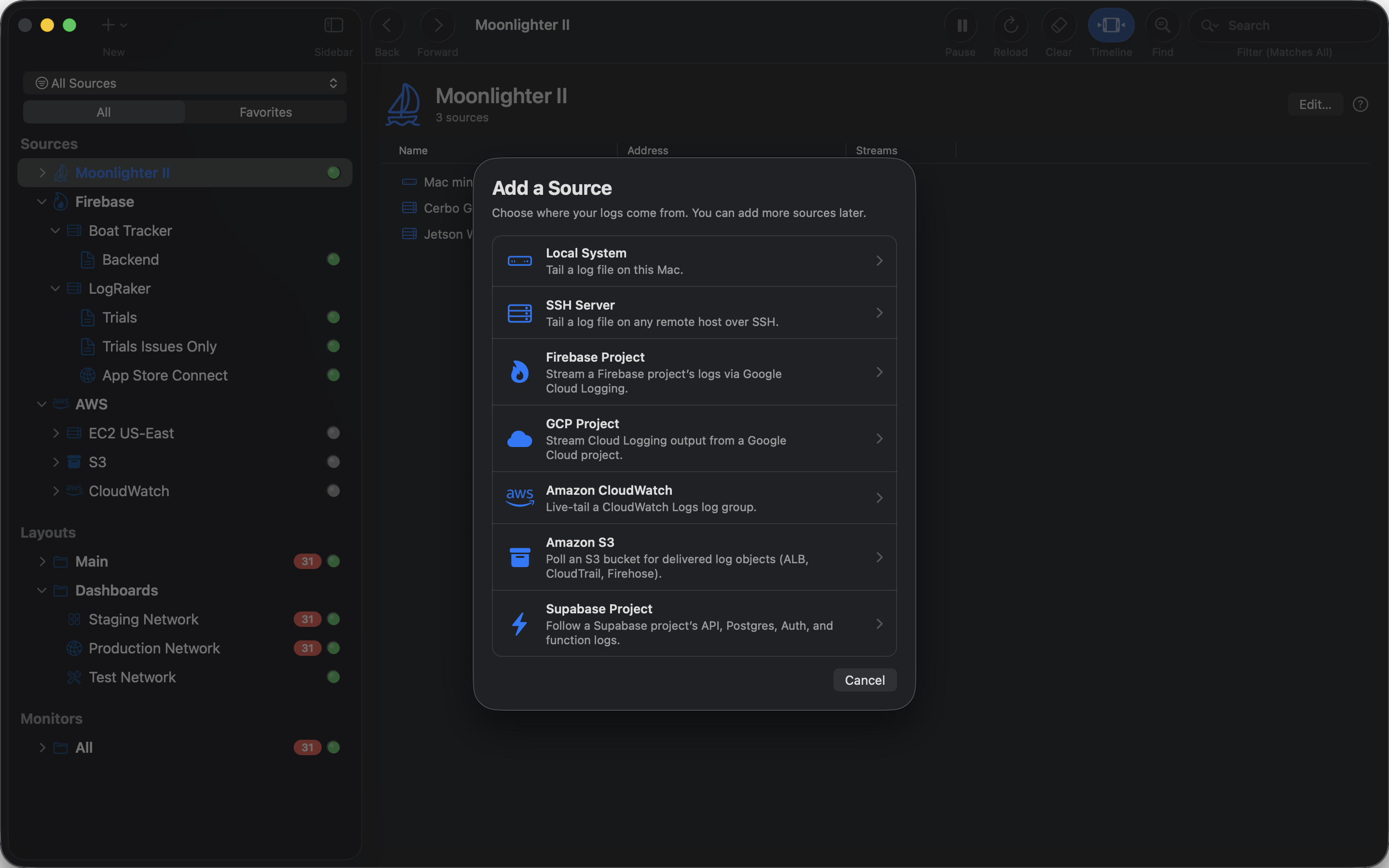
LogRaker is a native Mac app that tails your logs live from SSH servers, local files, Amazon CloudWatch, Amazon S3, Supabase and Google Cloud / Firebase. Put Streams side by side, read them in lock-step by time, and let Monitors tell you when something breaks, even on your Apple TV.
A bit longer
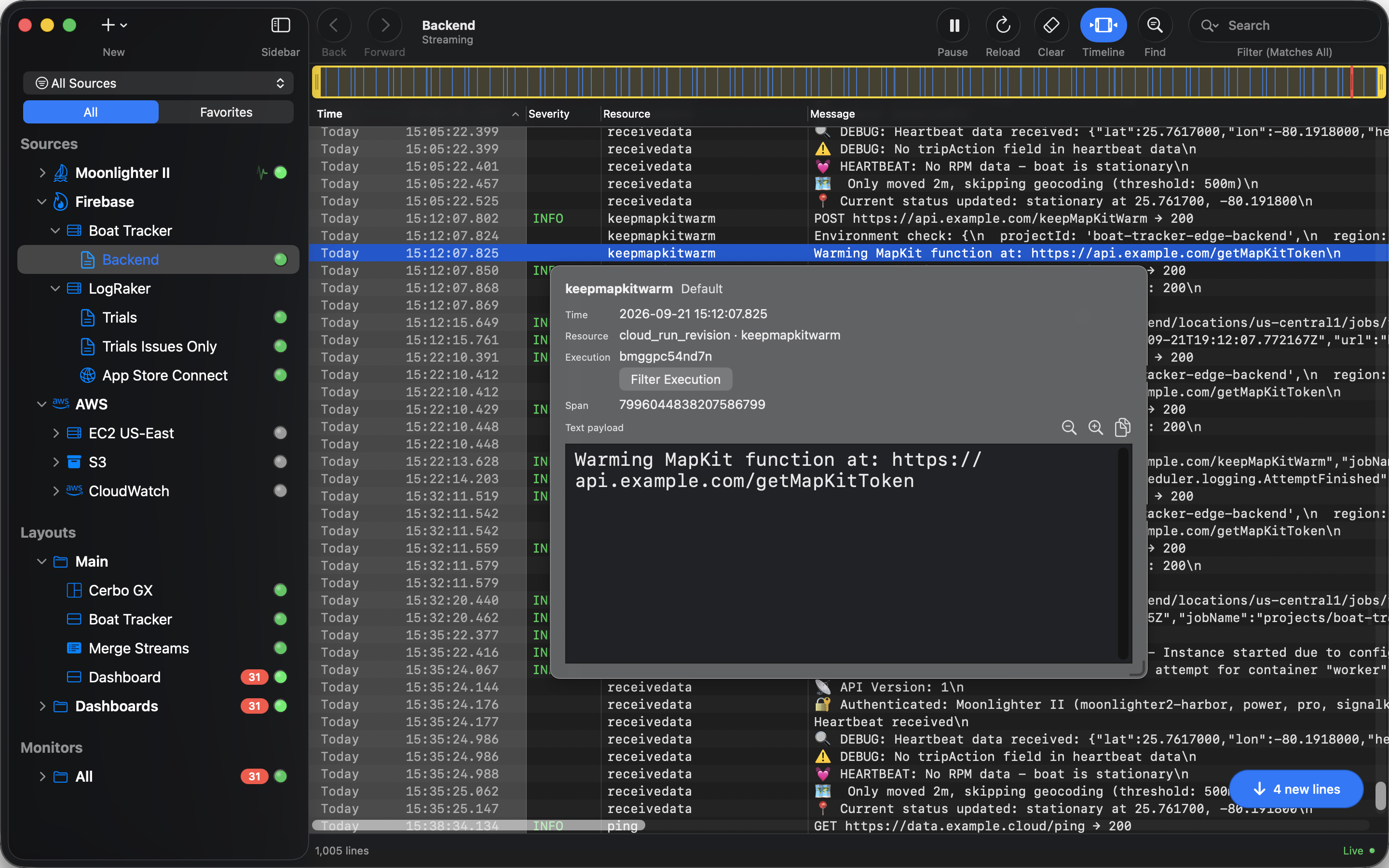
LogRaker is a Mac app for anyone who reads logs in more than one place. You add your servers and log files once, and it tails them live: over SSH (built right in, so it reconnects on its own when the link drops), from files and folders on your Mac, the systemd journal and the macOS unified log, and from Amazon CloudWatch, Amazon S3, Supabase and Google Cloud / Firebase.
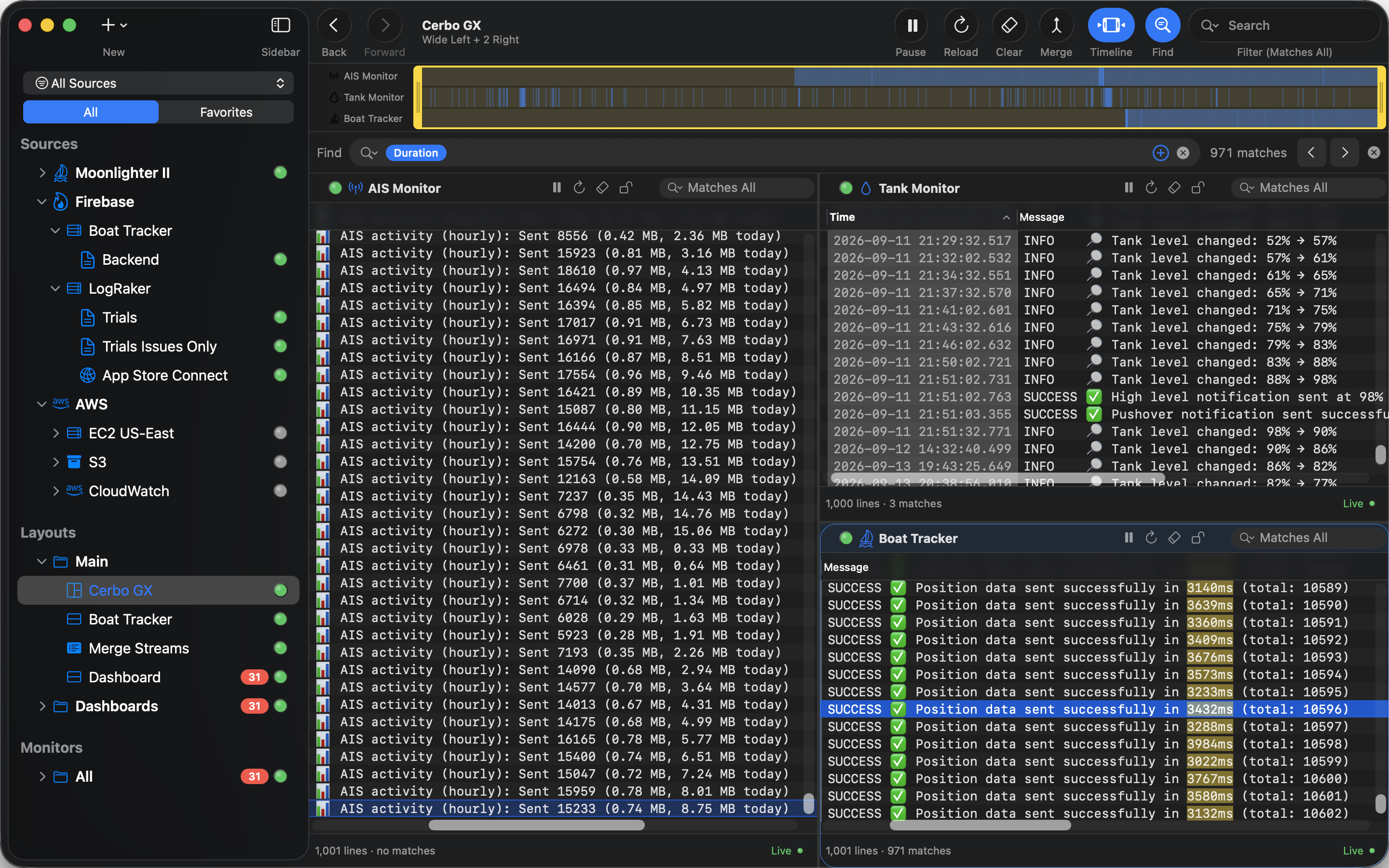
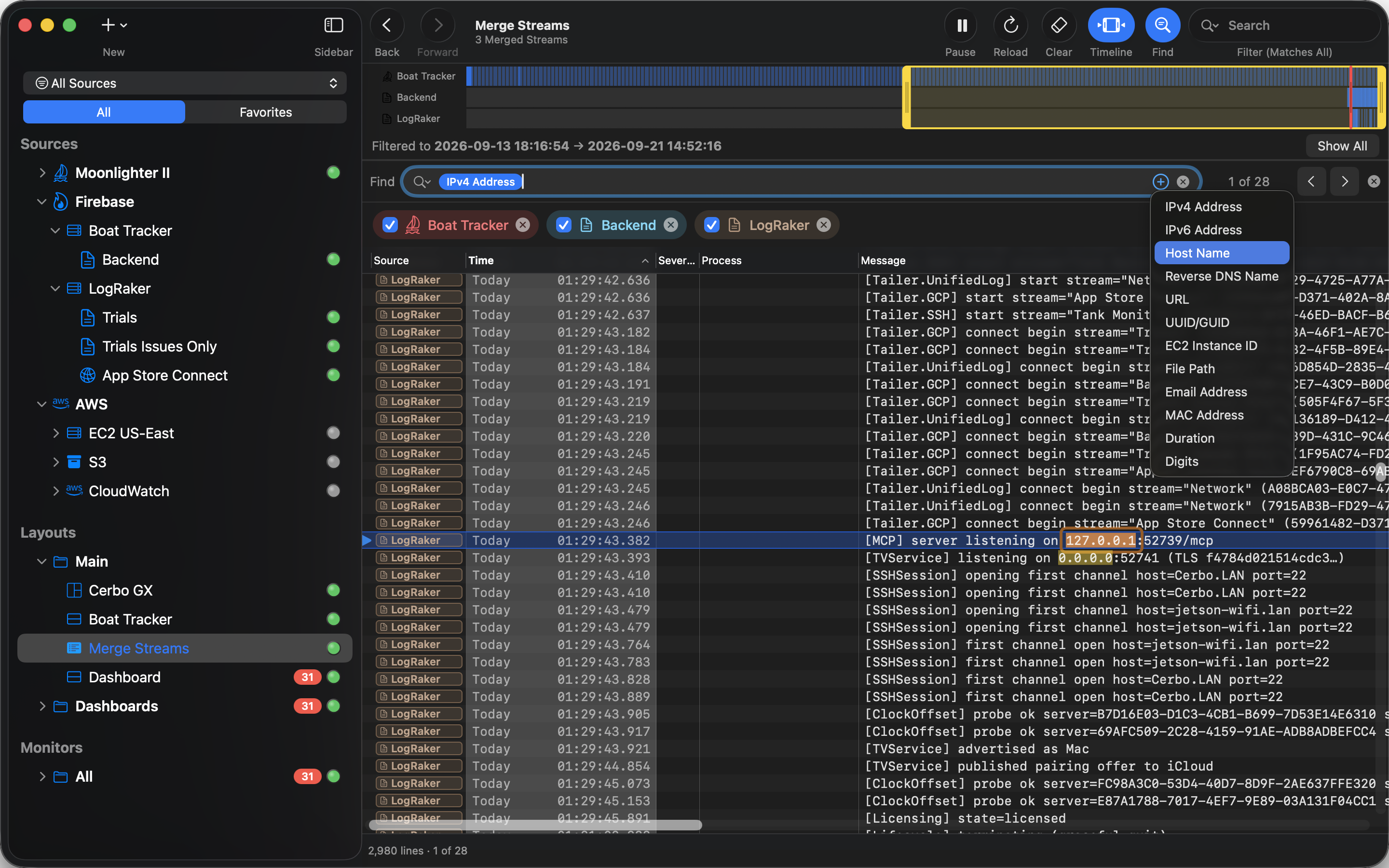
Put Streams side by side in a Layout, or merge them into one view sorted by time, then click a line in one pane and every other pane jumps to that same moment (and if two devices disagree about the time, you can align their clocks). Monitors watch for the patterns you care about and tell you with a notification, a Dock badge or a desktop widget, and the free Apple TV app puts your Dashboards on the wall. It's written in Swift and AppKit, and your logs go straight from your servers to your Mac, through nobody else's.
What it does
- Tails logs live from SSH servers, local files and folders, the systemd journal, the macOS unified log, Amazon CloudWatch, Amazon S3 (CloudTrail, ALB and CloudFront logs), Supabase and Google Cloud / Firebase.
- SSH is built in, never shelled out, and reconnects on its own, over flaky links too.
- Layouts of up to 3×3 panes. Click a line and every pane jumps to that moment; merge Streams by time and align clocks that disagree.
- Monitors watch every Source for your patterns, with notifications, a Dock badge and desktop widgets.
- Dashboards of live cards, and a free Apple TV app that shows them on a TV.
- A built-in MCP Server lets AI agents like Claude Code, Cursor and Codex read your logs. Reading is all they get, until you allow more.
- A terminal right under the log, over the SSH connection your Streams already use.
- Shortcuts, Siri, Spotlight and iCloud sync.
- No middleman, no log cloud, no telemetry: LogRaker talks to your servers and cloud accounts directly.
The story
LogRaker started on my boat, which is full of gizmos (a Cerbo GX, an NVIDIA Jetson, eight Garmin chartplotters, you get the idea), each one writing its own logs on its own device. After one too many evenings of SSH'ing into three boxes at once, I built the app I actually wanted. The whole story is on the blog: Why I created LogRaker.
Screenshots
Click a picture for the full-size PNG.
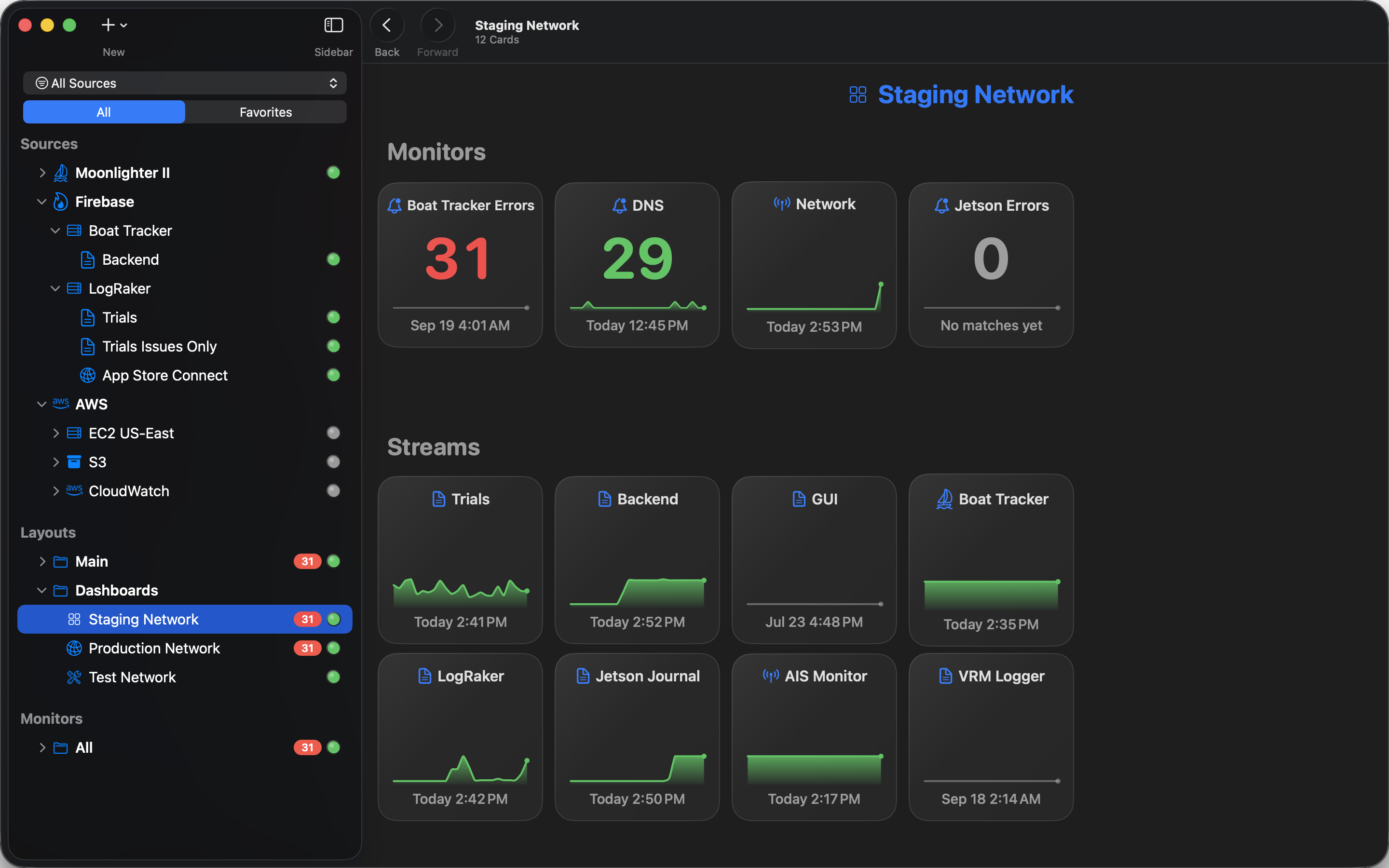
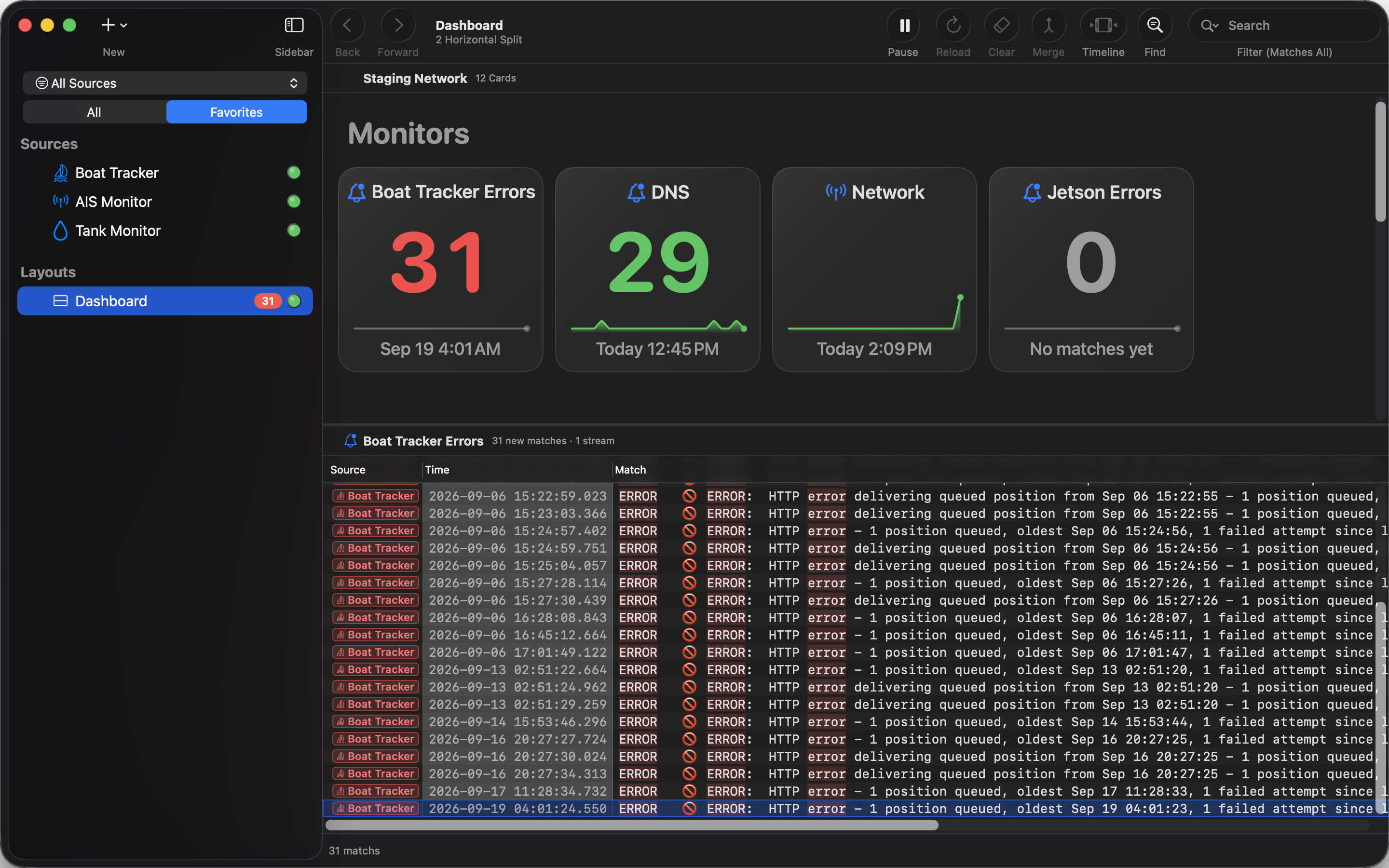
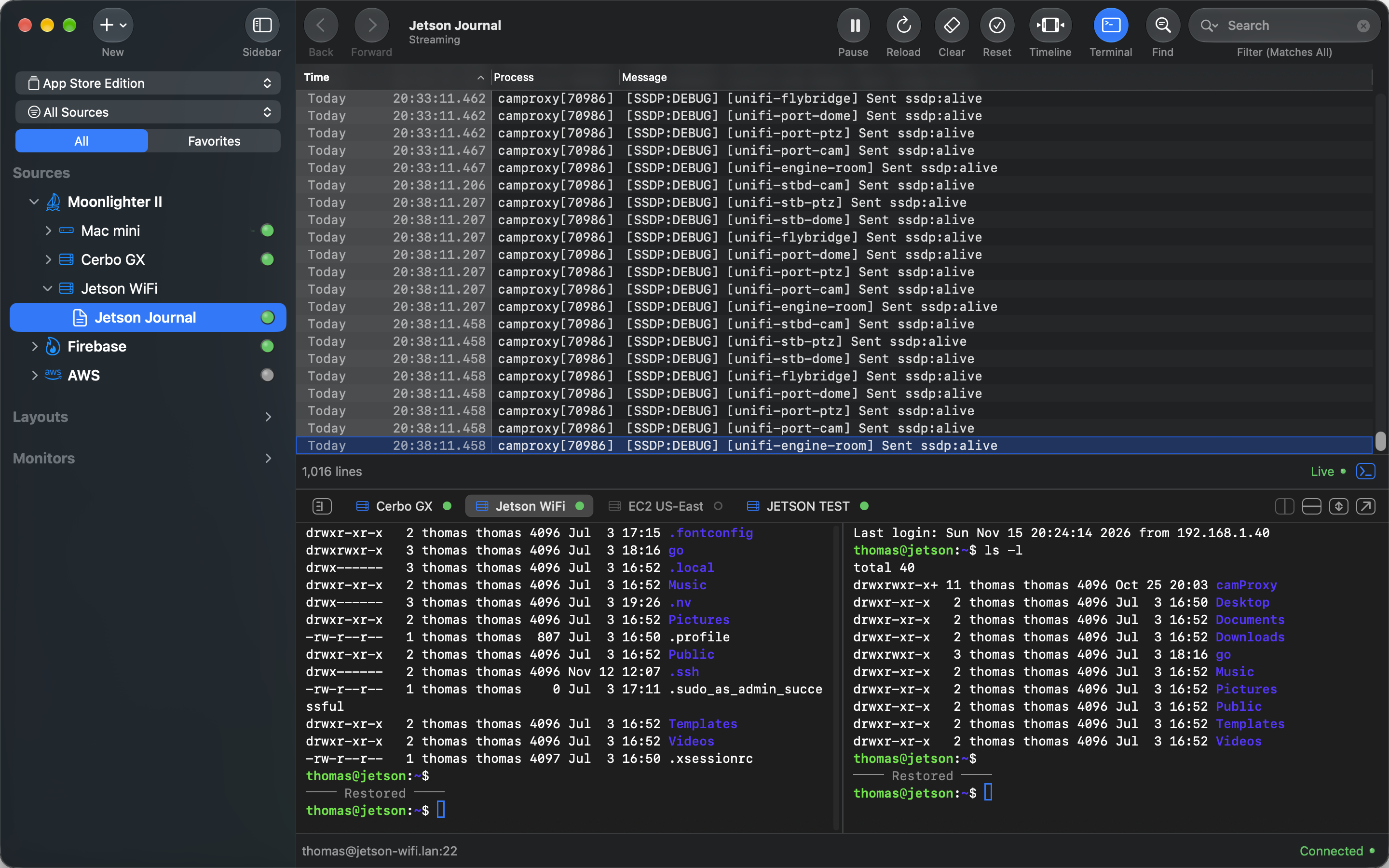
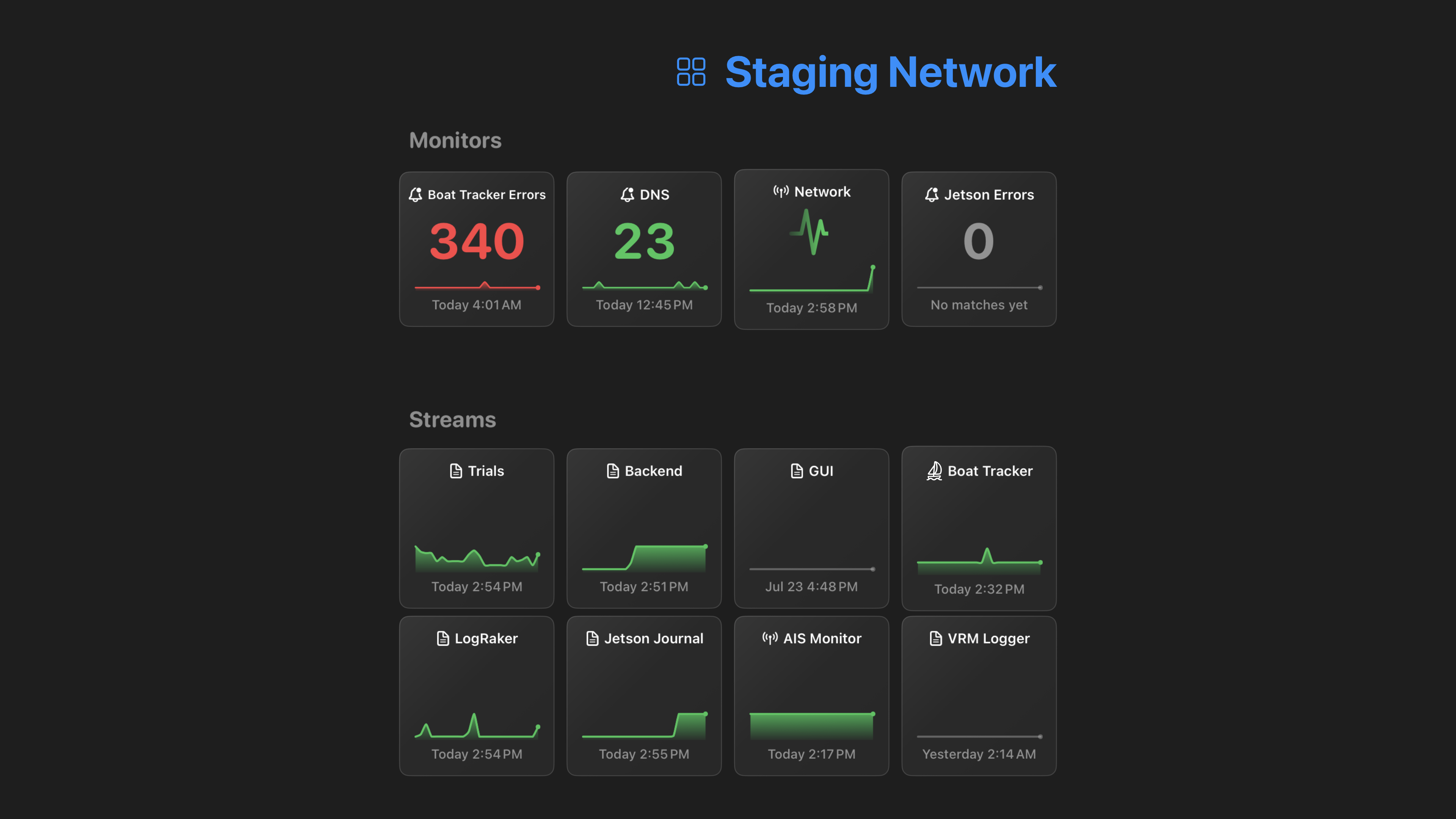
App icon
 Download the iconPNG, 1024 × 1024, transparent corners
Reviewing LogRaker?
After the 14-day trial, LogRaker keeps running but puts a watermark over your logs, and your screenshots. If you're writing about it, I'm happy to give you a free Pro license: contact me and tell me where it will appear. The license is for the download from this website.
Get in touch
Questions, or something you need that isn't here? Contact me.
